# Anmeldung / Login
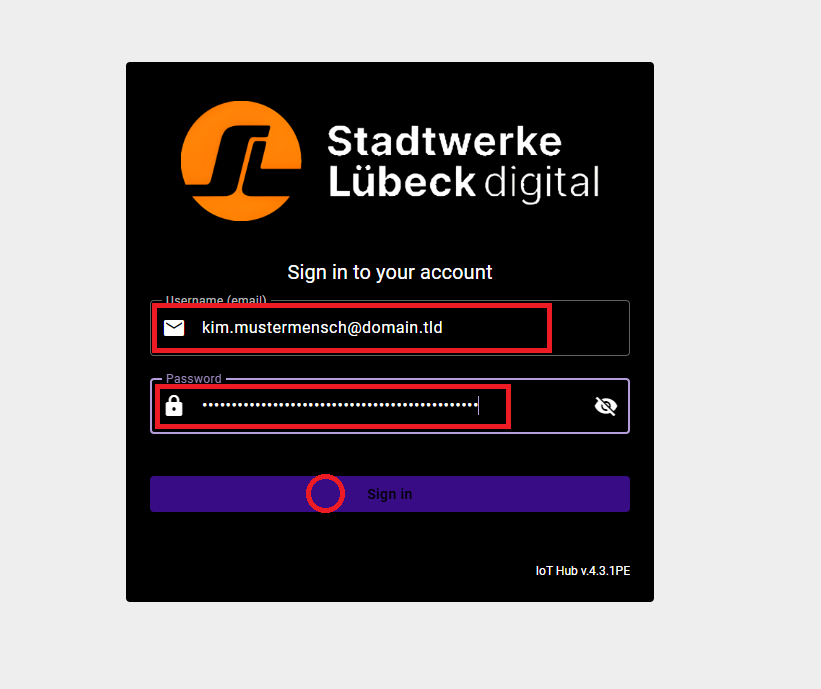
#### Nach Aufruf der IoT-Hub-Internetseite erscheint der Anmeldebildschirm
[](https://dokumentation.iot-hub.solutions/uploads/images/gallery/2026-03/01-login-tb-01.png)
Klicken Sie in in der Eingabemaske auf „Benutzername (E-Mail)" und geben Sie ihren Benutzernamen ein. Dieser entspricht Ihrer Email-Adresse.
[](https://dokumentation.iot-hub.solutions/uploads/images/gallery/2026-03/image.png)
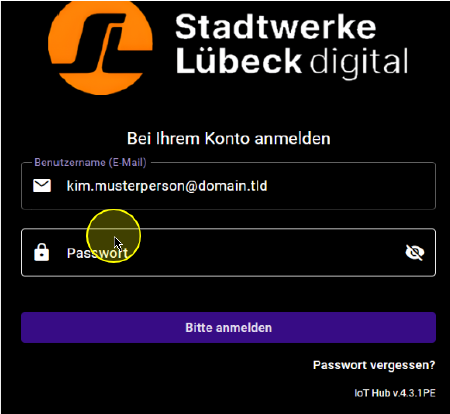
Klicken Sie in das Passwort Feld und geben Sie ihr Passwort ein
[](https://dokumentation.iot-hub.solutions/uploads/images/gallery/2026-03/lTfimage.png)
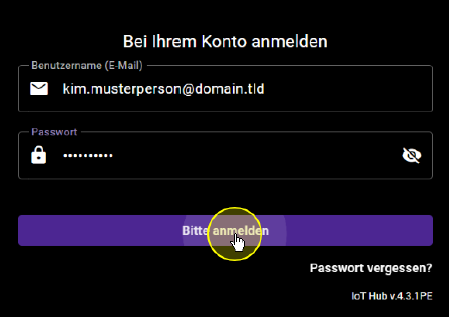
Klicken Sie auf "Bitte anmelden".
Sie sind nun angemeldet.
##### Anschließend erscheint die für Sie konfigurierte Startseite Ihres IoT-Hub Dashboards